



Avoid Teeth Shift: Reorder Retainers From a Scan Within 1–2 Weeks
Yes, you can typically reorder retainers from a stored digital scan or STL file, as long as the scan is recent and your teeth haven’t shifted since it was taken. Most doctor-managed platforms and direct-to-consumer labs, including Clearretain, can remake retainers from that file without new molds. The catch is timing: if your bite has moved, an outdated scan will produce a retainer that doesn’t seat right. Before you order anything, confirm the scan exists and check the date on it.
TL;DR:
- Reordering retainers from a digital scan requires a recent, accurate file, as significant teeth shifting invalidates the fit.
- The process involves locating the scan, confirming release from your provider, uploading or referencing the file, and selecting preferences before ordering.
- Costs vary based on the arch, material, and turnaround speed, with rush and premium options increasing both price and delivery time.
- Replacing a lost retainer within one to two weeks reduces the risk of teeth shifting and needing a new scan.
- If your retainer causes pain, doesn’t fit, or teeth have visibly shifted, a new scan is necessary instead of reusing an outdated one.
Table of Contents
- How Does Reordering Retainers From a Scan Actually Work?
- What Are the Steps to Reorder Retainers From a Scan?
- What Does a Retainer Reorder Cost and How Long Does It Take?
- When Do You Need a New Scan Instead of Reusing an Old One?
- How Do You Securely Transfer a Digital Scan to a New Provider?
- What Should You Check Before Placing a Reorder?
- Why Clearretain Backs the Reorder-From-Scan Approach
- Reorder Your Retainers From Clearretain Without a New Mold
- Sources
- FAQ
How Does Reordering Retainers From a Scan Actually Work?
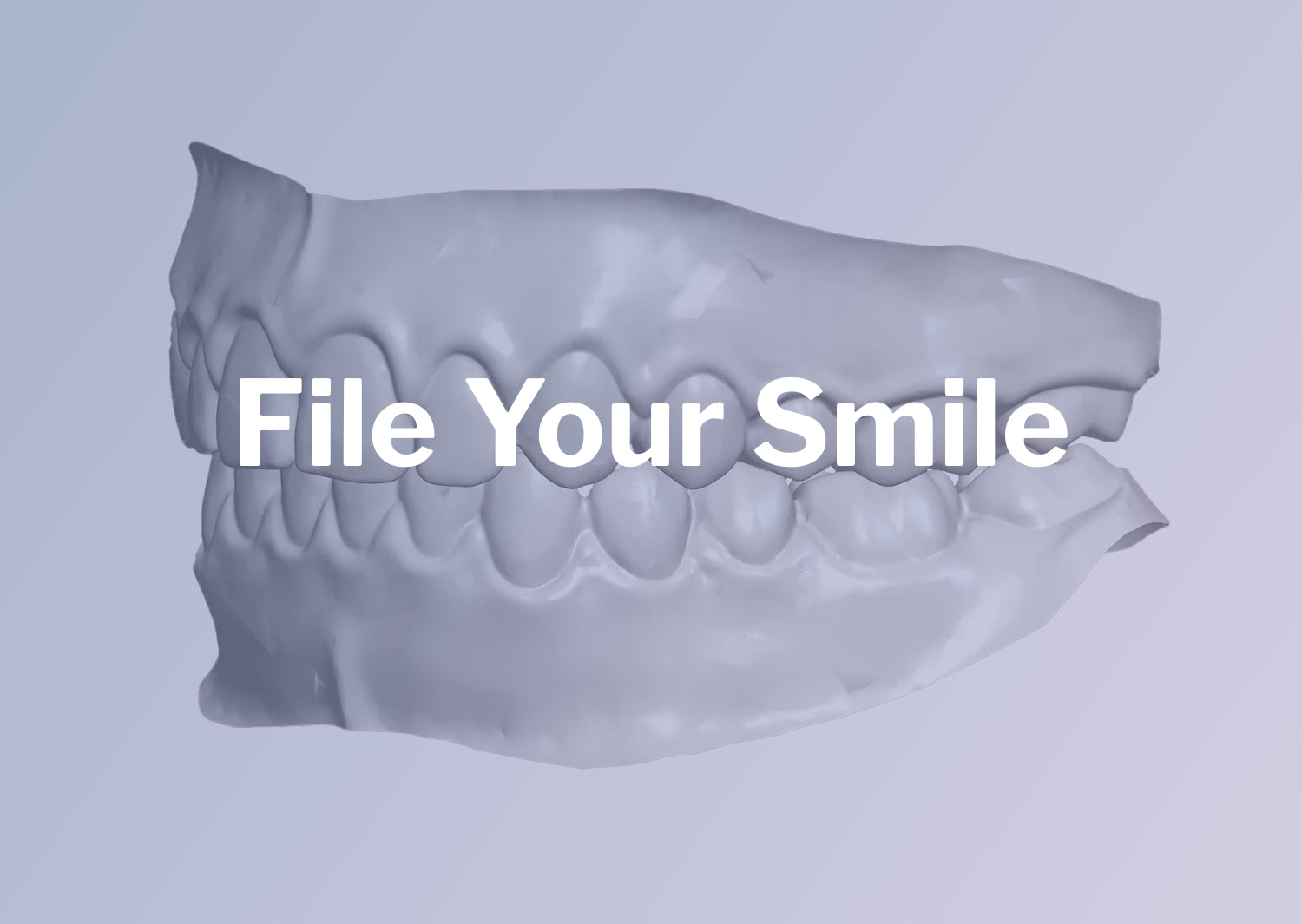
An intraoral scan captures the full 3D geometry of your teeth and bite, usually saved as an STL file (some scanners, like iTero, use proprietary formats that get converted to STL for lab use). That file is essentially a digital mold. It holds enough detail for a lab to build a model and press or print a retainer without ever touching your mouth again.
Once a lab or technician receives the file, the process generally follows a set path:
- File cleanup to remove noise, gaps, or scan artifacts
- Digital model generation from the cleaned file
- Thermoforming or CAD/CAM production of the retainer itself
- Quality checks against the original scan geometry before shipping
There’s a real difference between doctor-managed reorder flows and third-party lab reorders. Align built a doctor-enabled direct-ship feature into its Vivera Retainer Subscription Program, letting orthodontists arrange repeat retainers that ship straight to the patient instead of routing through a clinic pickup. Third-party labs and direct-to-consumer providers work a little differently. You supply the file yourself, often pulled from your orthodontist’s records or your own scanner history.
The fit accuracy question comes up a lot, and it’s a fair one. Peer-reviewed research comparing digitally fabricated retainers with traditional thermoformed ones has found comparable fit accuracy in many clinical evaluations. The digital workflow isn’t a downgrade from the old plaster-mold method. It’s a different route to the same result, provided the underlying scan still matches your mouth.
What Are the Steps to Reorder Retainers From a Scan?
Reordering from a scan is mostly a logistics problem, not a technical one. Here’s the sequence that gets you from “I lost my retainer” to “it’s in my mouth again” with the least friction.
- Locate the scan. Find out where it lives, your orthodontist’s office, a practice portal, an Align/iTero account, or a lab you used before, and note the date and file type.
- Confirm release with the provider. Ask whether they’ll release or transfer the file, and find out their preferred method (secure portal, email, direct transfer to a lab).
- Submit your order. Upload the file with your provider or lab of choice, reference your prior order number or patient ID if you have one, and choose your arch: Lower Teeth Retainer, Upper Teeth Retainer, or an Upper and Lower Retainers Set.
- Set your preferences. Pick material and finish, review the warranty and return policy, then approve the order and watch for a confirmation email or tracking number.
- Check fit on arrival. Put it in gently, note any pinching or pressure points, and contact the provider immediately if something feels off rather than forcing it.
Pro Tip: Take a clear photo of the date stamp on any prior order confirmation before you contact your provider. Labs move faster when you can hand them an exact order number instead of “sometime last year.”
Most of the delay in this process isn’t fabrication time. It’s tracking down the file and waiting on a provider to respond to a transfer request. Start there first.
What Does a Retainer Reorder Cost and How Long Does It Take?
Replacement retainer pricing varies by arch and provider, but a few patterns hold across the market. Single-arch orders run cheaper than full sets, and rush processing or premium materials add to both cost and lead time.
A handful of factors push the price up beyond a standard reorder:
- File cleanup fees if the scan needs extra work before it’s usable
- Rush processing for expedited turnaround
- Premium materials or finishes, like those in Clearretain’s Premium Retainers line
- Records retrieval fees some practices charge to release a stored file
Turnaround also depends on the channel. Doctor-direct shipping through a program like Vivera’s subscription model can skip the clinic pickup step entirely, while third-party lab orders depend on how fast the file gets transferred and processed. Standard production windows run longer than rush options, predictably, but the bigger variable is how quickly you get your scan released in the first place.
Timing matters more than most people realize. Guidance from pricing and clinical sources consistently points to replacing a lost retainer within one to two weeks of losing it. Wait months instead of weeks, and the odds climb that your teeth have moved enough to need a fresh scan. If it’s a child’s retainer that went missing, that clock matters even more. Kids’ teeth shift faster, so a quick reorder window closes sooner.

When Do You Need a New Scan Instead of Reusing an Old One?
A stored scan is only useful if your mouth still matches it. Certain signs mean you should stop and get rescanned rather than order blind.
- The retainer feels tight enough to cause real pain, not just mild pressure
- You notice visible gaps, crowding, or shifting compared to how your teeth used to sit
- An old retainer won’t seat at all, even with gentle, patient effort
- It’s been many months (or longer) since your last scan, especially if you went that whole stretch without wearing a retainer
The American Association of Orthodontists advises contacting your orthodontist if a retainer causes pain or no longer fits, and notes that teeth can begin shifting within days to weeks once you stop wearing retention. That’s a short window. Forcing a poorly fitting retainer into place doesn’t just feel bad, it can put uneven pressure on teeth that have already started to move, which sometimes makes things worse rather than better.
Pro Tip: If you’re on the fence about whether your bite has changed, a quick in-office scan is almost always cheaper and faster than ordering a retainer that doesn’t fit and needing a redo. Some signs point clearly to replacement before you even get to the fit question.
How Do You Securely Transfer a Digital Scan to a New Provider?
You have a right to your own dental records, including the digital scan your orthodontist took. The ADA recommends secure, encrypted transfer methods for moving dental images between providers, and confirms patients can request their own data under HIPAA’s right-of-access rules.
When you ask for your file, a few practices make the handoff smoother:
- Specify the exact file type (STL, or whatever your scanner produces) and the date it was taken
- Request delivery through a secure patient portal, SFTP, or encrypted email rather than an unsecured link
- Get the request and the provider’s response in writing, including any release or export fees
- Ask for an itemized breakdown if a practice charges a cleanup or export fee before releasing the file
Avoid sending or receiving scans through unencrypted email attachments or public file-sharing links. If a provider quotes a fee that seems steep, ask what it covers. Sometimes it’s genuine file cleanup work, and sometimes it’s just friction discouraging you from taking your records elsewhere.
What Should You Check Before Placing a Reorder?
A little prep at checkout saves you a return shipment later. Run through this before you submit an order:
- Confirm the scan date and file type match what your provider or lab needs.
- Have your prior order number or patient ID ready if you’re reordering through the same provider.
- Pick the correct product: Lower Teeth Retainer, Upper Teeth Retainer, or the combined Upper and Lower Retainers Set if you need both arches.
- Choose material, finish, and shipping speed based on how urgently you need the retainer.
- Save your order confirmation and, once the retainer arrives, take a quick photo if the fit seems off.
On fit itself: wear a new retainer gently at first. Mild pressure is normal for the first day or two. Sharp pain, uneven pressure on one side, or a retainer that won’t fully seat means something is wrong, and you should contact your provider before wearing it for hours at a stretch. If your retainer already feels unusually tight, that’s worth flagging rather than pushing through.
Why Clearretain Backs the Reorder-From-Scan Approach
Some providers accept stored digital impressions for upper, lower, and combined retainer reorders, eliminating the need for a new office visit. Retainers are typically made from FDA-approved materials under professional supervision. This process helps make scan-based reorders fast and reliable. Where Clearretain draws the line is clinical judgment: if the signs point to real shifting, a rescan gets recommended over reusing an old file, because a fast order isn’t worth an ill-fitting result.
— Clear
Reorder Your Retainers From Clearretain Without a New Mold
Replacement retainers can often be ordered without an office visit markup by working directly from an existing digital scan. If you know your teeth haven’t shifted, there’s no reason to schedule an appointment just to get remolded.

The order process is short. Locate your previous order or upload your existing scan file, choose the product you need, whether that’s a Lower Teeth Retainer, an Upper Teeth Retainer, or the Upper and Lower Retainers Set, confirm shipping, and check out. Your retainers arrive with the fit-check routine you’d expect, and if something doesn’t sit right, Clearretain’s customer support team is there to sort out rework. If you’re outside standard retainers and need something like a single-tooth partial denture retainer or want to browse premium materials, those options are available too.
Start by pulling up your last order or scan file, then head to the retainer collection to place your reorder today.
Sources
- Understanding retainers: The key to maintaining your smile - AAO
- Align Technology Introduces New Vivera Retainer Doctor Enabled Direct Ship to Patient Feature in Its Doctor Subscription Program - BioSpace
- CAD/CAM retainers and comparison with traditional retainers - PMC
- What to know about HIPAA right of access - ADA News
FAQ
How much does it cost to reorder retainers?
Pricing depends on arch, material, and turnaround speed, with single-arch orders generally costing less than a full upper-and-lower set. Rush processing, premium materials, and file cleanup fees can add to the base price. Current pricing for Clearretain’s retainers is listed directly on the product pages.
How do I order a replacement retainer?
Locate your existing digital scan through your orthodontist, practice portal, or scanner provider, then submit it to your chosen lab or provider along with your prior order details if you have them. From there you select your arch, material, and shipping speed, and the retainer ships once production is complete.
Can I order more Vivera retainers?
Yes. Align’s Vivera Retainer Subscription Program includes a doctor-enabled direct-ship feature that lets your orthodontist arrange repeat orders shipped straight to you. You’ll need your doctor to be enrolled in that program and to authorize the reorder.
Can I order my retainers online?
Yes, providers like Clearretain let you order retainers online using a stored digital scan instead of scheduling a new office visit for impressions. You upload the file, choose your product, whether that’s an Upper Teeth Retainer or a full set, and complete checkout, with production starting once the file is verified.